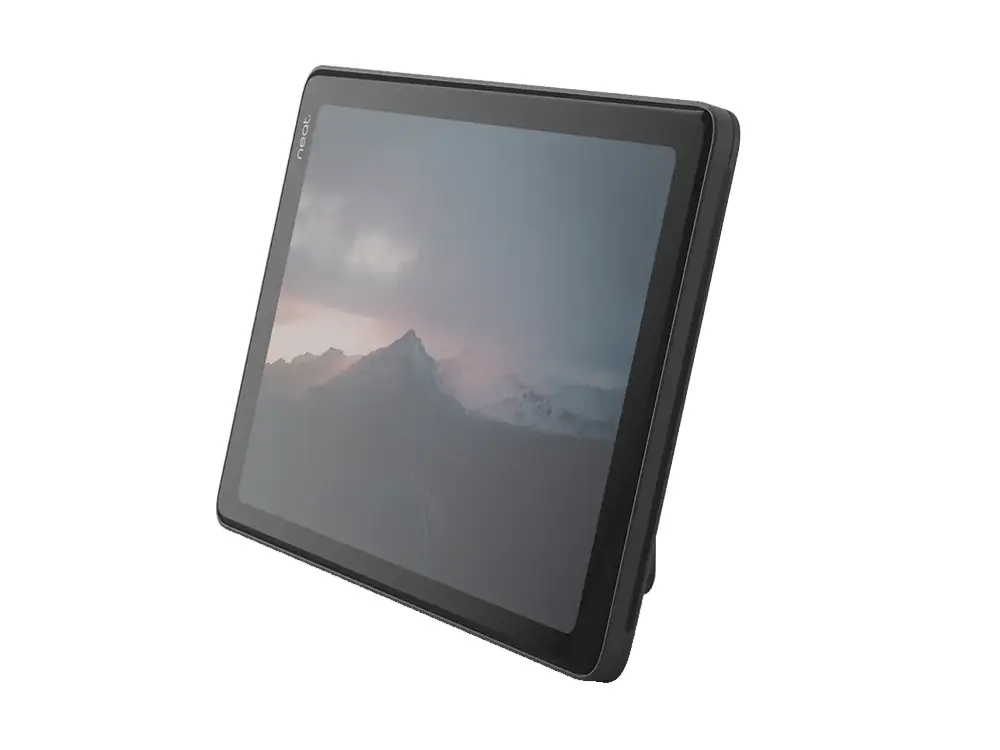
Neat Pad شاشة لمس بسيطة وأنيقة مقاس 8 بوصات يمكنك تهيئتها كوحدة تحكم داخل أي غرفة اجتماعات أو استخدامها كشاشة جدولة خارج أي غرفة.
تحديد موديل NEATPAD-SE وطلبه للمشروع
هذه الصفحة تخص Neat Pad – شاشة تحكم وجدولة، شاشة لمس HD 8 بوصات، Wi-Fi، PoE، حسّاسات للحرارة والرطوبة وثاني أكسيد الكربون والمركّبات العضوية من Neat، ورمز الطلب المحدد هو NEATPAD-SE. عند طلب عرض السعر، استخدم هذا الرمز كاملاً لتفادي الخلط مع المقاسات أو الألوان أو التوصيلات أو الإصدارات القريبة ضمن فئة ملحقات.
معلومات تساعدنا في إعداد عرض أدق
- الكمية المطلوبة من الموديل NEATPAD-SE
- موقع المشروع وموعد التوريد المتوقع
- الحاجة إلى التركيب أو البرمجة أو التكامل مع نظام قائم
- الملحقات أو التراخيص أو الحوامل والكابلات المطلوبة
تفاصيل المنتج والمواصفات
Neat
Pad
Controller & Scheduling Display Specifications:
Manufacturer:
Neat
Model:
Pad
Part #:
NEATPAD-SE
General Specifications:
8-inch touch screen, 1280 x 800 resolution
Anti glare, anti smudge coating
Ambient light sensor
Sensors for temperature, humidity, CO2 and VOC
Native support for Zoom Rooms & Microsoft Teams Rooms
Speakers for ultrasound, 2 microphones
Networking and Ports:
WiFi
USB-C (reserved for future use)
Ethernet (supports PoE)
Power adapter for AC (optional)
Size:
198 mm × 127 mm × 42 mm
Weight:
1.15 pounds (520 g)
Neat Pad
is a simple and elegant touch screen you can configure as a controller inside any meeting room or use as a scheduling display outside any meeting room.
NeatPad
is included with Neat Bar but can be paired with any Zoom Rooms or Microsoft Teams Room system, eliminating the need for an iPad, or other consumer-grade tablets. Thanks to just one Power over Ethernet cable,
Neat Pad
never runs out of battery either. It’s always on, ready for you to leap into action.
Neat
Pad
Controller & Scheduling Display Key Features:
Two roles.
NeatPad is a simple and elegant touch screen which you can use to control your meetings or display room availability outside the room. With its sleek design, including ideal screen angle for smooth interaction and viewing, NeatPad beautifully blends in anywhere, whether placed on a table, wall or mullion
Room availability.
You can install Neat Pad outside your meeting room for optimal room management. Configure NeatPad as a scheduling display for your Zoom Rooms or a panel for your Microsoft Teams rooms, or even deploy NeatPad to make your non-video enabled meeting spaces bookable,
Meeting control.
As a controller, Neat Pad enables you to quickly start your meetings and share your screen with just one tap. Configure NeatPad as a controller for your Zoom Rooms or console for your Teams rooms. It also allows you to invite participants, mute them if necessary or record your meetings.
Simple set-up.
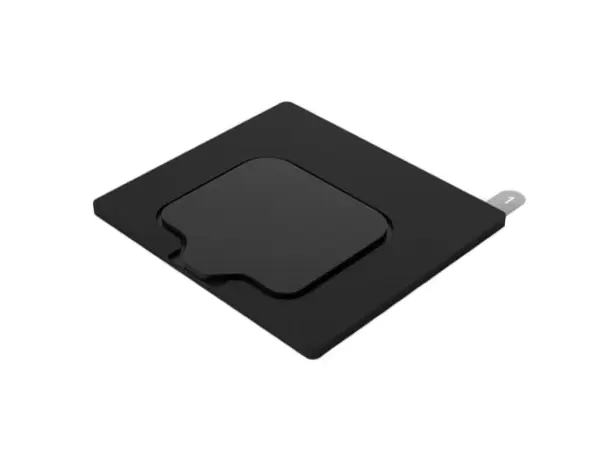
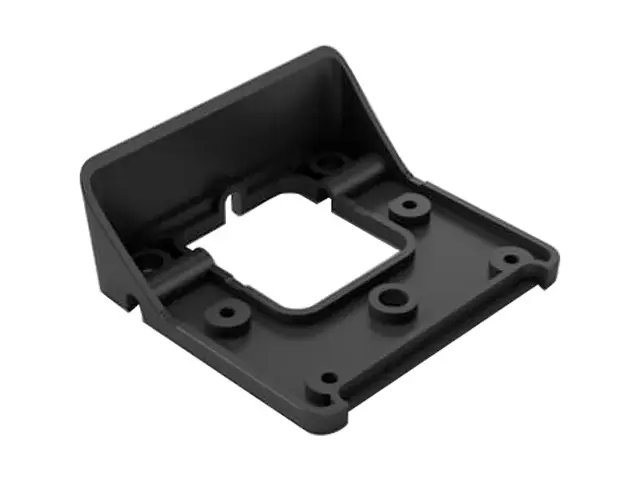
Neat Pad ships with a wall and side mount, so it's easy for anyone to install and set up. Use the wall mount to fix NeatPad to your meeting room wall. With the side mount, you can secure NeatPad to the edge of your doorframe or mullion. Thanks to just one Power over Ethernet cable, it is always alert and set to go.
Just works.
When configured as a controller, NeatPad ensures any meeting room is always ready. You can add multiple Neat Pads so that everyone has access to its controls from anywhere around the table.
Neat
Pad
Controller & Scheduling Display Resources:
Neat Pad Datasheet:
View PDF
 NEATPAD-GLASSMOUNT
 NEATPAD-WALLADAPT
 NEATCENTER-SE
 NEATPAD-8P