
Huawei IdeaHub Complete Buying Guide: Portfolio, Room Fit, and Deployment
Huawei IdeaHub is a family of large-format interactive collaboration endpoints, not one interchangeable screen. Depending on series and regional release, an IdeaHub can combine a 4K touch display, digital whiteboard, wireless presentation, camera, microphone array, loudspeakers, native meeting services, BYOD, optional Windows OPS compute, and centralized management. The correct purchase therefore begins with the exact family, model, size, software release, and deployment mode—not the IdeaHub name alone. Features and availability vary by region, so confirm the Saudi Arabian model, bundle, service, and entitlement at quotation time.
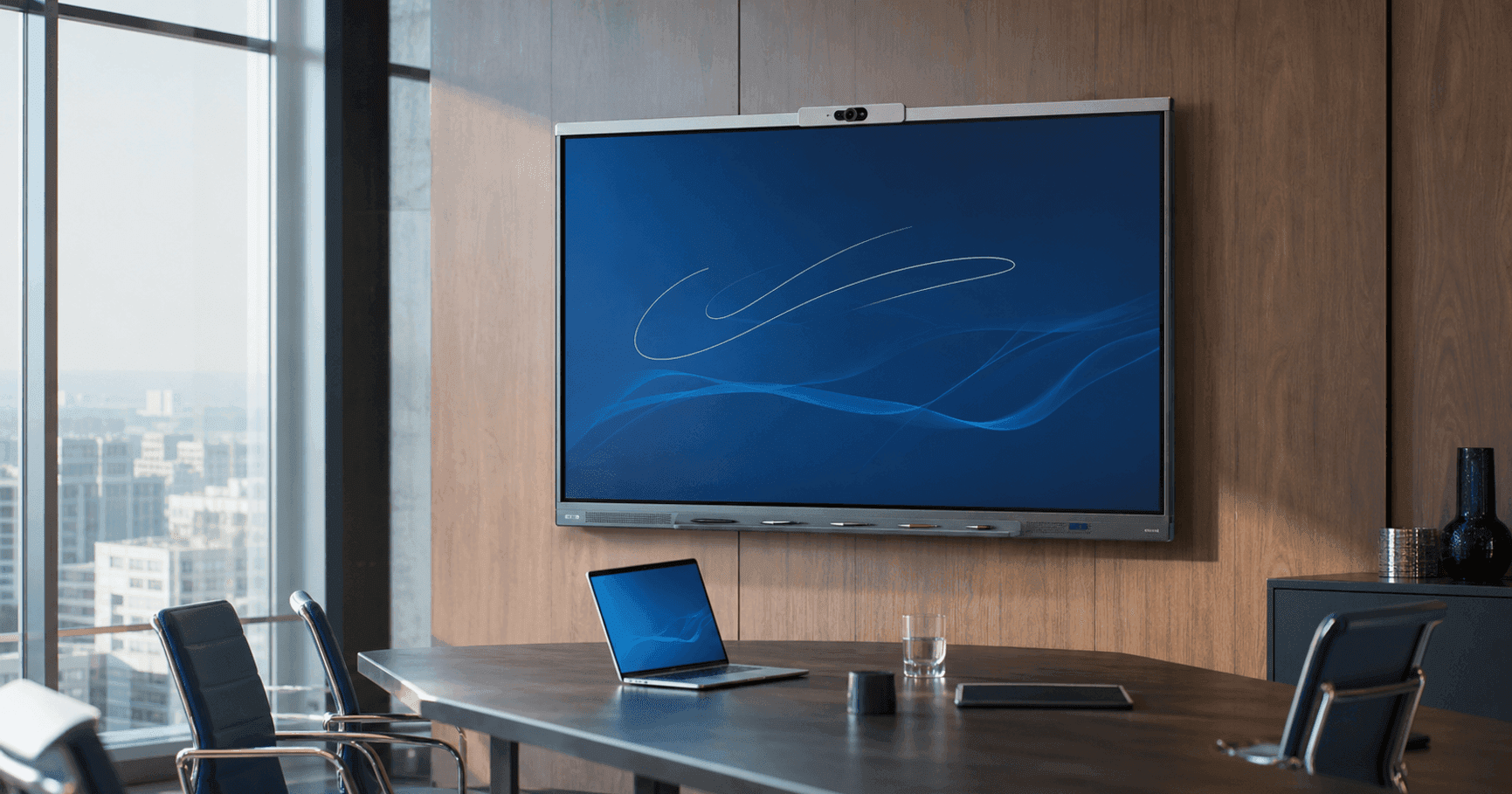
Understand what IdeaHub is and how the platform has evolved
IdeaHub brings display, touch collaboration, presentation, room audio and video, and device software into an all-in-one endpoint. In a conventional small or medium meeting room it can replace several separate components; in a large room it may become one endpoint within a broader design that includes external audio, control, or conferencing equipment. Huawei also positions variants for teaching, training, open collaboration areas, executive rooms, and commercial environments.
The portfolio has evolved from the original IdeaHub S and Pro generation through S2, ES2 and ES2 Plus, then into B3, Board 3 Pro, K3, S3 and ES3. The newer S3 and ES3 were introduced as flagship conference whiteboards with Huawei’s newer AI-oriented architecture, dual-camera imaging, upgraded microphone systems, intelligent interaction, and stronger security functions. K3 focuses on smart education, while B3 and Board 3 Pro address more value-conscious or lightweight collaboration requirements.
Map the complete currently published IdeaHub portfolio
As of July 2026, Huawei’s current global and regional Enterprise pages collectively publish IdeaHub S3, IdeaHub ES3, IdeaHub B3, IdeaHub K3, and IdeaHub Board 3 Pro. Huawei pages in some regions also continue to list IdeaHub S2, ES2, and ES2 Plus, and Huawei’s digital meeting-room solution still references selected S2 and ES2 products. This is a regional portfolio difference, not evidence that every model is stocked or supported in every country.
The standard size pattern for S3, ES3, B3, K3, Board 3 Pro, S2 and ES2 is 65, 75 and 86 inches where the regional datasheet offers all three. ES2 Plus is commonly published as an 86-inch configuration. Exact commercial codes vary by family: examples in the Barq catalog include IHS3-65SA/75SA/86SA, IHE3-65SA/75SA/86SA, IHB3-65SA/75SA/86SA, IHK3-65SA/75SA/86SA, and Board 3 Pro IHB2-65PB/75PB/86PB.
Huawei’s Chinese ES3 specifications also identify ES3 Pro, but the English regional product page reviewed for this guide presents the ES3 series without promising the Pro configuration globally. Similarly, Board 3 Base appears in current Huawei documentation, while the main international portfolio page emphasizes Board 3 Pro. Treat such variants as region- and quotation-dependent until Huawei or an authorized channel confirms the precise model, release, and support entitlement.
- S3 — current flagship smart-office conference whiteboard family; typically 65, 75 and 86 inches.
- ES3 — executive/professional conferencing family with dual-camera architecture; typically 65, 75 and 86 inches.
- B3 — value-oriented office meeting and BYOM family; typically 65, 75 and 86 inches.
- K3 — current education-focused family; typically 65, 75 and 86 inches.
- Board 3 Pro — collaboration, training and lightweight office family; 65, 75 and 86 inches.
- S2 and ES2 — prior-generation families still published in selected regional and solution pages; commonly 65, 75 and 86 inches.
- ES2 Plus — enhanced prior-generation professional meeting configuration, commonly published at 86 inches.
Compare S, ES, B, K, and Board positioning before comparing specifications
S3 is Huawei’s current flagship conference-whiteboard family for general enterprise collaboration. It is the logical starting point when an organization wants Huawei’s newest smart-office generation, advanced audiovisual functions, cloud-conferencing options, centralized management, and a consistent premium room standard. ES3 moves further toward executive and professional conferencing with its documented intelligent dual-lens camera, optical zoom, professional meeting services, extended microphone array, and enhanced security controls.
B3 is the practical value family for mainstream meeting rooms, BYOM, presentation, whiteboarding, and open office collaboration. Huawei documents its 4K camera, AI-assisted framing and speaker tracking, Wi-Fi 6 direct projection, 16 ms writing, IdeaShare methods, and IdeaManager operations. It can be the best-value choice when the project does not require the flagship camera, audio, or native professional-conference profile of S3 or ES3.
K3 is explicitly built for education: its official page emphasizes a 4K soft-light display, optical anti-blue-light treatment, HD classroom camera, teaching software ecosystem, local Wi-Fi Direct projection, multi-window work, and 16 ms writing. Board 3 Pro is broader: Huawei positions it for meeting rooms, open discussion areas and training rooms, with an eye-comfort display, whiteboarding, projection and optional OPS. It suits lightweight collaboration and training better than a requirement centered on built-in premium room video.
Use a portfolio comparison matrix based on deployment fit
A useful matrix compares intent, integrated AV level, collaboration workflow, operating platform, and room role rather than declaring one series universally best. Feature availability can vary by size, software and country, so each row is a procurement shortlist and not a substitute for the exact datasheet.
For current enterprise meeting projects, shortlist S3 when a premium all-in-one meeting standard is required, ES3 for executive or professional conferencing, and B3 for cost-conscious mainstream collaboration. For education, shortlist K3 first. For training, workshops, shared project spaces, or lightweight offices where whiteboarding and presentation matter more than integrated premium conferencing, consider Board 3 Pro.
- S3 65/75/86 — flagship enterprise collaboration; premium general meeting rooms and standardized smart offices.
- ES3 65/75/86 — executive/professional meeting experience; boardrooms and important hybrid spaces.
- B3 65/75/86 — best-value mainstream office collaboration; BYOM, presentation, whiteboard and cloud-meeting workflows.
- K3 65/75/86 — education-first; classrooms, hybrid teaching and digital learning spaces.
- Board 3 Pro 65/75/86 — training, workshops, open collaboration and lightweight office use.
- S2 65/75/86 — earlier distributed-collaboration generation, subject to local availability and lifecycle confirmation.
- ES2 65/75/86 — earlier professional integration generation, subject to local availability.
- ES2 Plus 86 — enhanced earlier executive meeting configuration, subject to local availability.
Evaluate display, camera, microphone, and speaker architecture together
All-in-one does not mean identical hardware. Screen size affects viewing distance, writing reach, wall structure, handling and power planning. Camera architecture ranges from HD education capture on K3 to a professional 4K camera on B3 and intelligent dual-lens 4K imaging on ES3. Huawei documents ES3 with a wide-angle and telephoto lens, 5x zoom, and an electronic privacy cover in current materials. S3 documentation describes the newer AI image engine and professional meeting experience.
Audio design also differs. Huawei’s current ES3 material documents a 24-microphone array with 15-meter pickup and a multi-driver loudspeaker system, while B3 publishes a 10-meter pickup design with AI-assisted dereverberation. K3 prioritizes classroom capture and teaching media rather than presenting itself as the flagship boardroom audio system. Exact microphone count, pickup distance, loudspeaker topology and power must be taken from the selected model datasheet.
Separate verified AI meeting functions from general marketing labels
Huawei documents functions such as auto-framing, speaker tracking, two-person conversation views, distortion correction, AI image enhancement, noise reduction, acoustic boundary control, intelligent layout, and meeting-assistance features across different generations. They are not necessarily present on every family, meeting service, region, or firmware release. Verify each requested function against the exact product and software version.
ES3 and S3 represent Huawei’s strongest current AI-oriented meeting position. Current launch material describes enhanced image processing, intelligent multi-pane meetings, noise reduction and acoustic boundary functions, while 2026 scenario material adds voice assistance, translation and meeting summaries in applicable solutions. Those cloud or AI services may require a supported platform, release, licence, language, tenant, or region; do not write them into a room requirement as unconditional device features.
Plan whiteboarding, annotation, touch, and IdeaShare workflows
IdeaHub whiteboarding combines low-latency writing, pens, touch interaction, shape or handwriting functions, annotation and content-saving workflows, with details varying by family. Huawei publishes 16 ms writing for B3, K3 and Board 3 Pro. A number alone does not determine writing quality: lamination, surface, stylus behavior, palm handling, application, calibration, and the height of the screen all affect the user experience.
IdeaShare supports several presentation paths across supported models: wired USB-C or HDMI, the IdeaShare application, Huawei-device shortcuts, an optional IdeaShare Key, Wi-Fi Direct, multi-device interaction, and on some newer products multi-pane sharing. Compatibility differs by operating system and release. Identify the organization’s laptop and mobile fleet, then test resolution, touchback, annotation, extended desktop, guest access, and recovery.
Multi-touch requirements should name the real workflow: how many people will write, in which application, whether the Windows OPS is active, and how content is saved or removed. For education, confirm teacher and student collaboration plus privacy and lesson-content handling. For enterprise rooms, define whether annotations belong in the meeting platform, the IdeaHub whiteboard, a Windows application, or the presenter’s device.
Design Android or HarmonyOS, Windows OPS, BYOD, Teams, and Zoom deliberately
Current Huawei documentation identifies HarmonyOS as the built-in platform on newer models, with Windows available through a compatible optional OPS on applicable products. Older or market-specific materials may use different platform descriptions. The OPS creates a second managed computer with its own operating-system image, security updates, endpoint controls, applications, storage and lifecycle; it should never be treated as a passive accessory.
BYOD or BYOM lets a laptop use the IdeaHub camera, microphones, speakers and display through a supported connection. Huawei documents this strongly on B3 and other meeting families, using IdeaShare or supported wired paths. This can provide access to Microsoft Teams, Zoom, Webex or another laptop application without claiming that the display itself is a natively certified room system. Validate cable or key requirements, touchback, content, charging, guest permissions and endpoint security.
For a native Microsoft Teams Rooms or Zoom Rooms requirement, confirm the exact certified architecture from Microsoft or Zoom and Huawei for the target country and date. Do not infer certification from the ability to run an application, install Windows OPS, or use BYOD. Where Huawei documentation names third-party cloud applications, verify the version, licensing and regional support. A procurement schedule should clearly label native service, OPS-hosted application, and laptop BYOD as different operating models.
Treat device management and security as design requirements
Huawei documents IdeaManager for centralized monitoring and operations, including supported remote control, batch configuration, upgrades and shutdown, plus IdeaCare diagnostic workflows. Confirm the applicable server or cloud architecture, licensing, scale, network ports, identity model, log retention, administrator roles, and regional service availability before promising centralized management.
Security depends on the complete deployment: built-in OS, OPS, meeting service, wireless sharing, accounts, network segmentation, physical ports, camera privacy, content storage and management platform. Huawei publishes enterprise protection and security certifications for selected products, but the exact certificate and evaluated configuration must be checked rather than transferred across the whole family.
Create a hardened baseline for each approved model and mode. Disable unused services, define update ownership, protect management credentials, control guest sharing, document factory-reset and disposal procedures, and monitor device health. If an OPS is installed, manage it like every other enterprise Windows endpoint. Security approval should occur before rollout, not after rooms are installed.
Choose 65, 75, or 86 inches from room geometry and use case
A 65-inch IdeaHub generally suits small rooms, executive offices, compact project spaces and smaller classrooms where viewers remain relatively close and users can reach the writing surface. A 75-inch model commonly fits medium rooms, training spaces and standard classrooms. An 86-inch model provides stronger visibility in larger meeting, boardroom and classroom layouts but requires greater wall capacity, handling clearance and writing ergonomics.
Size alone does not extend camera or microphone coverage. A large screen in a deep room may still need a different conferencing architecture, additional audio, or a carefully placed camera. Conversely, an oversized display mounted too high can make touch interaction uncomfortable. Calculate the farthest viewing distance, smallest critical text, seated sightlines, first-row distance, standing writing zone and accessible reach.
For extra-large rooms, divisible spaces, lecture halls or long boardrooms, treat an 86-inch IdeaHub as one component rather than assuming it replaces a designed AV system. Huawei’s meeting-room solution explicitly allows additional projectors, endpoints and microphones in larger specialized spaces. Validate the complete signal flow, control, camera positions, audio coverage and support model.
- Small room or executive office — usually 65-inch B3, S3, Board 3 Pro, or ES3 when premium conferencing is justified.
- Medium meeting or training room — usually 75-inch B3/S3/Board 3 Pro; ES3 where professional hybrid meeting quality is required.
- Large boardroom or classroom — usually 86-inch S3/ES3/B3/K3 after viewing, camera and audio validation.
- Extra-large or divisible room — engineered system; an 86-inch IdeaHub may be a collaboration surface, not the entire AV design.
Match the family to enterprise, education, boardroom, and training scenarios
For a standardized enterprise meeting-room estate, S3 is the current flagship starting point, B3 is the value choice, and ES3 is the premium executive or professional-conferencing choice. The final selection depends on meeting platform, camera behavior, room depth, security, lifecycle and management. Do not pay for a higher tier without a documented requirement, and do not choose value hardware if it forces unsupported workarounds.
For education, K3 is the clearest current Huawei education family. Its soft-light display, optical eye-comfort treatment, classroom camera, teaching software ecosystem, writing and local projection align with classrooms and hybrid teaching. Board 3 Pro can suit training rooms, adult learning, workshops and multipurpose spaces where collaboration and presentation matter, but a school should verify education software, device control, safeguarding and durability requirements.
For boardrooms, begin with ES3 or S3 and conduct an audiovisual design review. For training and innovation rooms, Board 3 Pro, B3 or K3 may be better depending on whether the priority is enterprise conferencing, open collaboration, or formal teaching. For mobile use, specify the official stand, stability, cable protection, network behavior, storage and movement procedure.
Build an exact accessory, mounting, and installation schedule
Potential accessories include a wall mount or rolling stand, compatible Windows OPS, IdeaShare Key, touch pens, controller, approved external microphone or touch device, cables and service entitlements. Compatibility is model-specific. The Barq catalog includes Huawei OPS modules, IdeaHub wall and rolling stands, Smart Control, IdeaHub Controller and touch pens, but each must be matched against Huawei’s current compatibility information before quotation.
Survey the room before selecting a mount. Record wall structure, display weight, service clearances, camera height, viewing line, writing reach, power, network, OPS access, cable entry and ventilation. An 86-inch interactive display requires a planned lifting and installation method. A mobile stand needs doorway, floor, tipping, cable and storage checks.
Commission the complete user journey: start and sign-in, local presentation, wireless sharing, whiteboard, annotation, remote meeting, BYOD, camera modes, audio from every seat, restart recovery, network recovery, management visibility and content removal. Store serial numbers, firmware, licences, accessories, account mapping, configuration and acceptance evidence in the asset record.
Avoid common IdeaHub purchasing and deployment mistakes
The most common mistake is buying by screen size and family name without locking the commercial code, regional release and software entitlement. Another is describing every IdeaHub function as universal. Huawei’s portfolio spans education, value office, flagship collaboration and executive conferencing; cameras, microphones, meeting services, AI functions and accessories differ.
A second group of mistakes concerns platforms: assuming an OPS is included, assuming BYOD equals native Teams Rooms or Zoom Rooms, or assuming any application shown in regional documentation is licensed and supported locally. Define the operating model in writing and validate it with the current Huawei, Microsoft, Zoom or application documentation as applicable.
Use a verification-first IdeaHub buying checklist
Start with room measurements, audience, content, writing, meeting platform, security and management requirements. Select the family by scenario, then the size by viewing and interaction geometry. Request the exact SKU, current local datasheet, release notes, warranty or support entitlement, and a list of included and optional items. Record every feature that depends on a licence, OPS, accessory, cloud service, third-party application or minimum software version.
Run a proof of concept when the project depends on AI framing, far-end audio, BYOD, multi-device sharing, Windows applications, management integration or a difficult network. Use representative laptops, accounts, content and users.
The practical decision is straightforward: choose K3 for education; B3 for the strongest value in mainstream office collaboration; S3 as Huawei’s current flagship general enterprise family; ES3 for executive and professional meeting requirements; and Board 3 Pro for training and lightweight interactive work. Treat S2, ES2 and ES2 Plus as market-dependent earlier options and purchase them only with explicit lifecycle and support confirmation.
Frequently asked questions
Which Huawei IdeaHub series is best for enterprise meeting rooms?
IdeaHub S3 is Huawei’s current flagship general enterprise starting point, B3 is the value-oriented mainstream option, and ES3 targets executive or professional conferencing. Select by exact room, platform, camera, audio, security and management requirements.
Which Huawei IdeaHub is designed for education?
Huawei explicitly positions IdeaHub K3 for smart education and classrooms. Board 3 Pro can also fit training and multipurpose learning spaces, but K3 should be the first education shortlist where its regional configuration meets the requirement.
What sizes are available in the current IdeaHub portfolio?
S3, ES3, B3, K3 and Board 3 Pro are generally documented in 65-, 75- and 86-inch families. Availability and exact commercial codes vary by market. ES2 Plus is commonly published as an 86-inch configuration.
Can Huawei IdeaHub be used with Microsoft Teams or Zoom?
Supported BYOD/BYOM workflows can use the IdeaHub room AV with a laptop running Teams, Zoom or another meeting application. Native room certification, OPS-hosted applications and BYOD are different architectures; verify current Huawei, Microsoft or Zoom support before procurement.
Does Huawei IdeaHub include Windows?
Newer IdeaHub models use Huawei’s built-in platform, while applicable models can add Windows through a compatible optional OPS. Confirm whether the OPS is included, its specification, supported operating system, licensing and management requirements.
Is an 86-inch IdeaHub enough for a large boardroom?
Not automatically. Display size improves visibility but does not guarantee camera or microphone coverage. Large, deep, divisible or acoustically difficult rooms require a complete AV design and may need supported external or modular components.
What should be confirmed before requesting a Huawei IdeaHub quotation?
Confirm the exact model code, screen size, regional availability, meeting mode, licences, OPS, mounts, sharing accessories, management, warranty, installation conditions and acceptance tests. Require current official documentation for every critical capability.
Official sources
- HUAWEI IdeaHub portfolio — Huawei Enterprise
- HUAWEI IdeaHub ES3 product page — Huawei Enterprise
- HUAWEI IdeaHub S3 Datasheet V25.1 — Huawei Enterprise
- HUAWEI IdeaHub B3 product page — Huawei Enterprise
- HUAWEI IdeaHub K3 product page — Huawei Enterprise
- HUAWEI IdeaHub Board 3 Pro product page — Huawei Enterprise
- Huawei digital meeting room solution — Huawei Enterprise
- Huawei unveils IdeaHub ES3 and S3 — Huawei Enterprise
- Huawei scenario-specific office and education solutions — Huawei Enterprise
Related products
Related solutions
Meeting Room SolutionsRelated articles
Microsoft Teams Rooms Planning Guide: From Room Survey to DeploymentPlanning a project?
Share your room or display requirements and the Barq team will return with a clear solution and quotation.
Request a quote