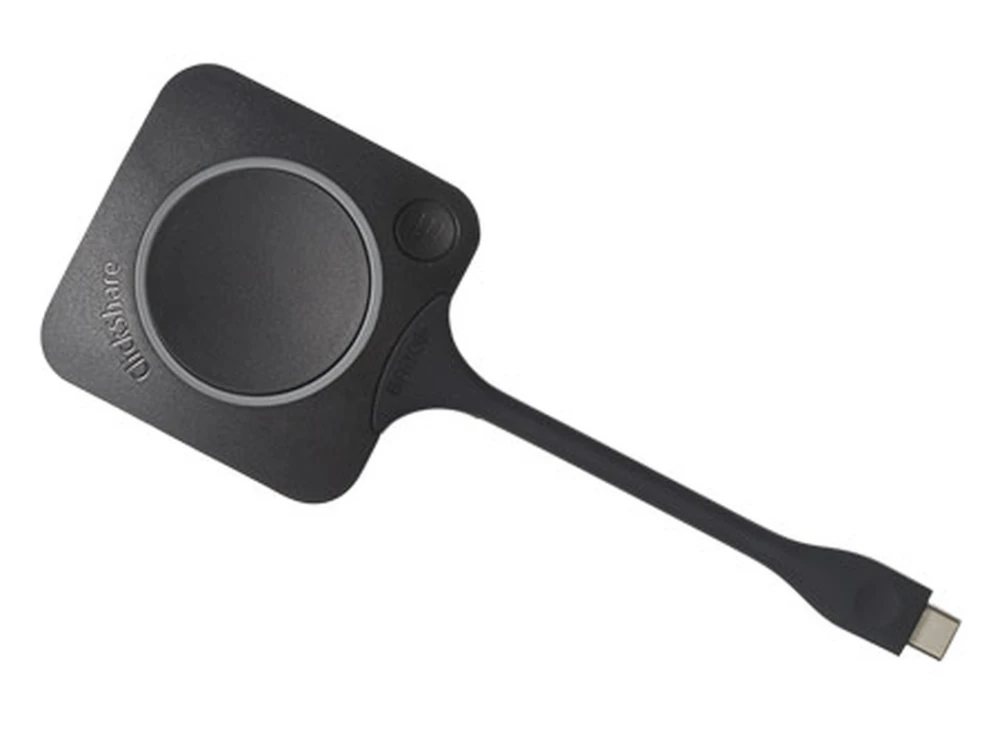
The ClickShare Conferencing Button instantly gives you access to wireless conferencing, a more immersive, interactive and guest-friendly meeting experience.
Specify ClickShare Conferencing Button correctly for your project
This page is specifically for the Barco ClickShare Conferencing Button, USB-C Device to Start Wireless Conferencing & Content Sharing by Barco, with ordering reference ClickShare Conferencing Button. Include the complete reference in your RFQ to distinguish it from nearby sizes, colours, connections or editions in the Accessories range.
Information that helps us prepare an accurate quote
Required quantity of model ClickShare Conferencing Button
Project location and expected delivery date
Installation, configuration or integration with an existing system
Required accessories, licences, mounts or cabling
Detailed product information
Barco
ClickShare Conferencing Button
Specifications:
Manufacturer:
Barco
Model:
ClickShare Conferencing Button
Weight:
60 gr -0.132 lb
Frequency band:
2.4 GHZ and 5 GHz
Wireless transmission protocol:
IEEE 802.11 a/b/g/n/ac
Authentication protocol:
WPA2-PSK in stand alone mode
WPA2-PSK or IEEE 802.1X in network integration mode
Connectors:
USB-C type
Dimensions:
(HxWxD) 14.6 mm x 59.3 mm x 161.39 mm / 0.57” x 2.354” x 6.354”
Power consumption:
Powered over USB
5V DC, 350mA Typical, 500mA Maximum
The ClickShare Conferencing Button instantly gives you access to wireless conferencing, a more immersive, interactive and guest-friendly meeting experience. Set up your remote meeting with your preferred UC solution. Plug in the USB-C device in your laptop, click and in less than 7 seconds, you are automatically connected to meeting room cameras, microphones, soundbars and any other AV peripherals. You get richer audio, have wider views of the room and can add video to your mix.
BBarco
ClickShare Conferencing Button
Product Features:
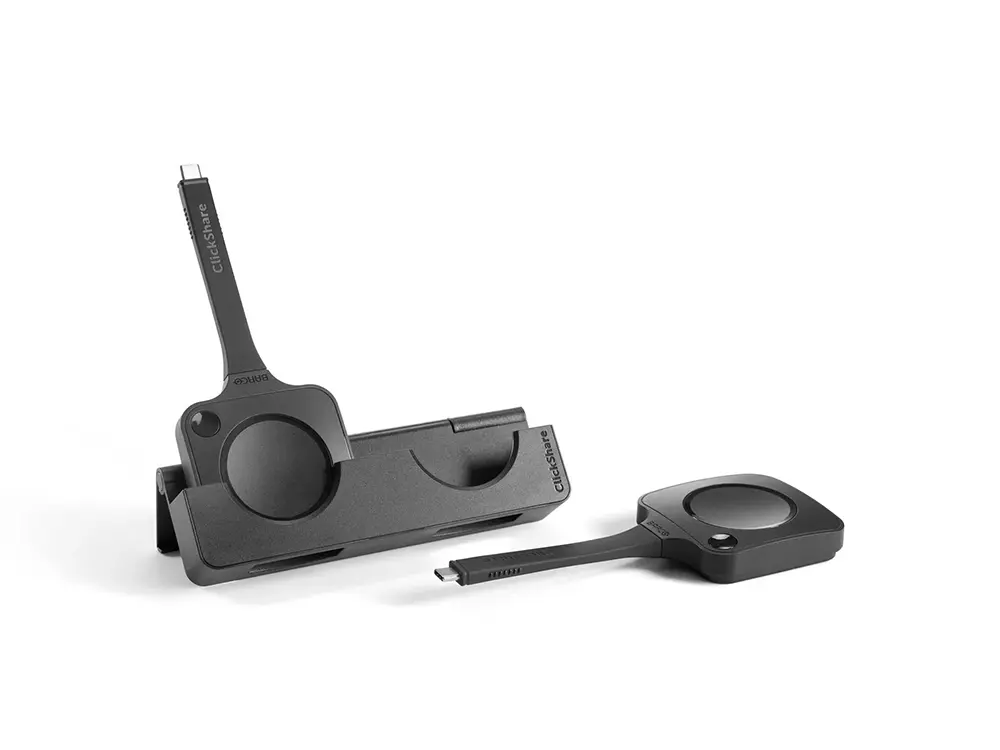
Iconic ClickShare component
USB-C device to start wireless conferencing and content sharing
Additional Quick Button with collaboration features
Ultra-fast setup
Barco
ClickShare Conferencing Button
Resources:
ClickShare Conferencing Button Spec Sheet:
Download PDF
ClickShare Family Brochure:
Download PDF
Model: VCM34
Interface: USB 2.0
ClickShare Buttons: 1
Video Quality: 1080P, 60fps, HD
Specifications
Model code
ClickShare Conferencing Button
Model
VCM34
Interface
USB 2.0
ClickShare Buttons
1
Video Quality
1080P, 60fps, HD
Connectivity
Bluetooth 4.2, USB 2.0
Sources Simultaneously on Screen
1
Camera
1/3” HD CMOS
Microphones
8 MEMS microphone array
Speakers
10W, Stereo Speakers
Protocol
UAC 1.0, UVC 1.0
Integrated PoE
Yes
Length
5 meters
Compatibility
Yealink VC800
Voice Pickup Range
20-foot (6-meter), 360°
Battary
1420mAh, Li-Po
ClickShare Conferencing Button
Searching for ClickShare Conferencing Button in Saudi Arabia?
Barq Technology is an authorized supplier in Riyadh. Request a quote for delivery, installation and 2-year warranty coverage.
BarcoAccessoriesRiyadh
FAQ
How do I order this product?
Submit a quote request using the form above. Our team responds within 24 hours with pricing, availability and delivery details.
Do you provide installation?
Yes. All Barq Technology products include professional installation by our certified technicians across Saudi Arabia.
Is it covered by warranty?
Yes. Every product comes with a minimum 2-year warranty and ongoing local support from our Riyadh team.
Do you deliver outside Riyadh?
We deliver and install nationwide across the Kingdom of Saudi Arabia.
 R9861700T01
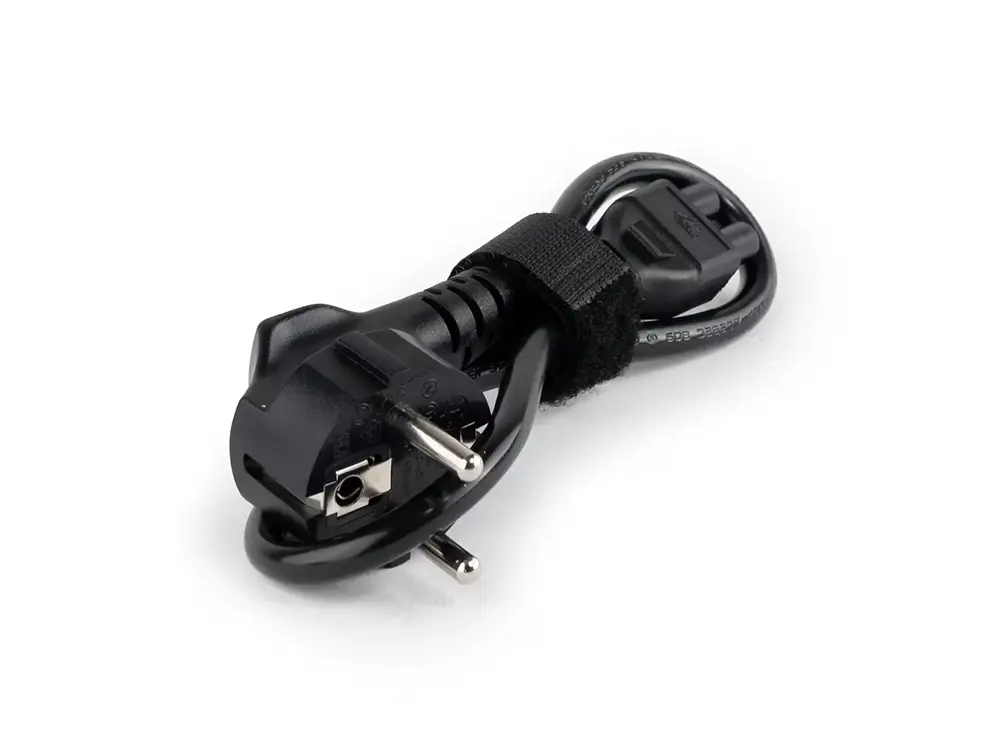 ClickSharePowerCord
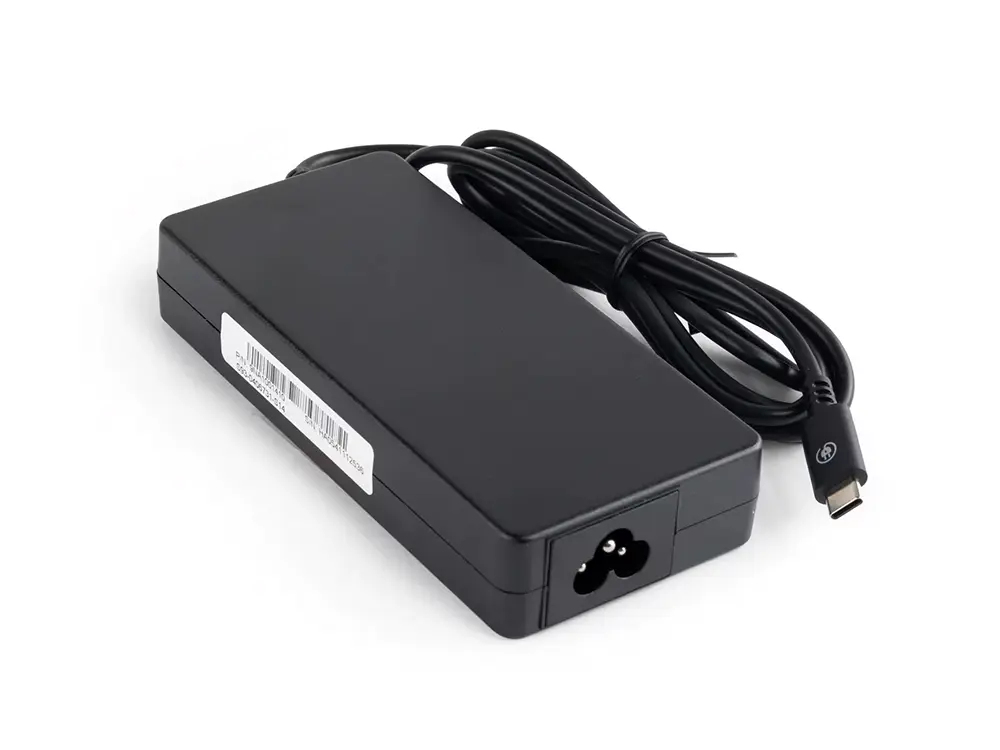 ClickSharePowerCord-1