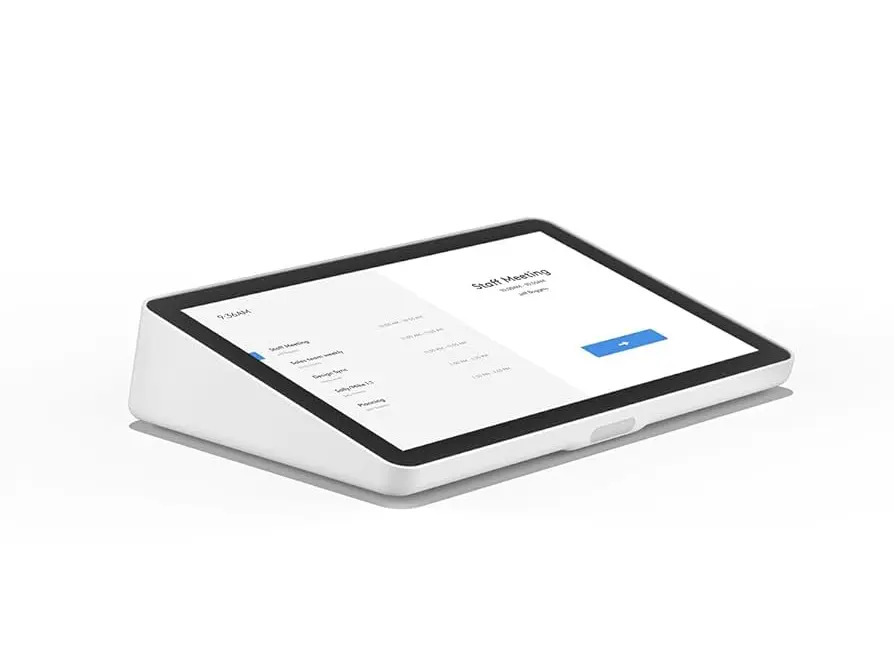
Logitech Tap Scheduler makes it easy to see meeting details and reserve a room for ad hoc or future meetings. Easily deploy as a scheduling panel for leading room scheduling solutions.
Specify Tap Scheduler correctly for your project
This page is specifically for the Logitech Tap Scheduler – Scheduling Panel for Meeting Rooms, 10.1” Touch Screen, Wi-Fi, PoE, Graphite by Logitech, with ordering reference Tap Scheduler. Include the complete reference in your RFQ to distinguish it from nearby sizes, colours, connections or editions in the Accessories range.
Information that helps us prepare an accurate quote
Required quantity of model Tap Scheduler
Project location and expected delivery date
Installation, configuration or integration with an existing system
Required accessories, licences, mounts or cabling
Detailed product information
Logitech
Tap Scheduler
Specifications:
Manufacturer:
Logitech
Model:
Tap Scheduller
Part Number:
952-000091
Screen:
10.1″ Touch Screen
Resolution:
1280 x 800
Viewing Angle:
85° (up/down/left/right)
Anti Fingerprint:
Oleophobic coating
Ports & Interfaces:
Ethernet: 10/100mbps
WiFi: 802.11a/b/g/n/ac
Bluetooth 5.0 (inactive, reserved for future use)
Power:
Power over Ethernet (PoE), IEEE 802.3af Type 1, Class 3 device
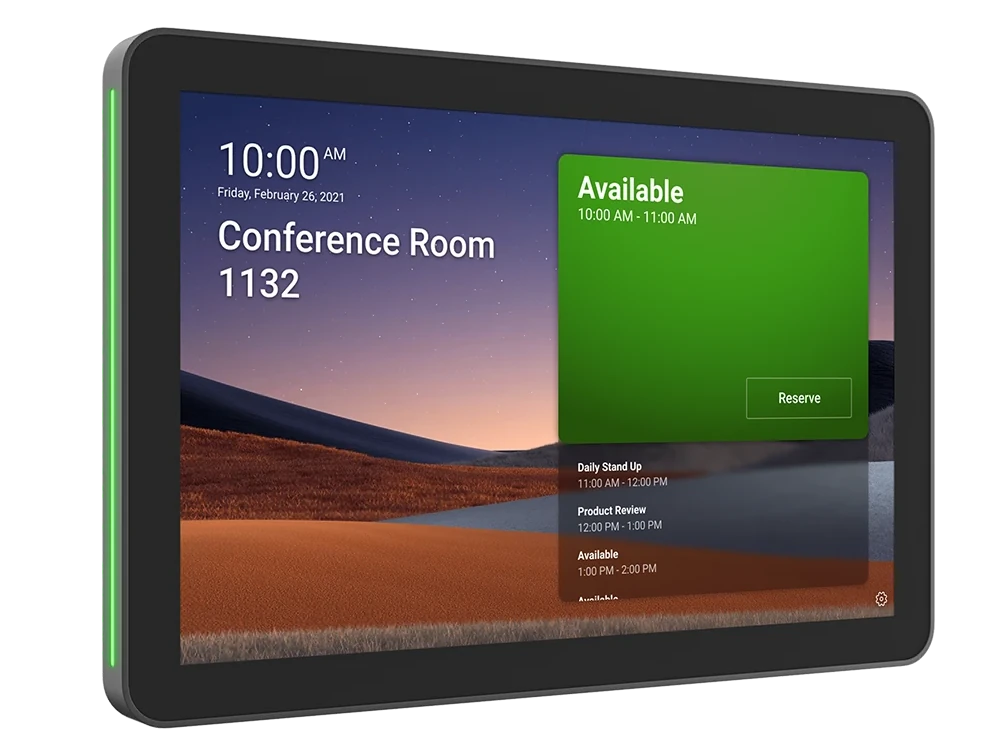
Logitech Tap Scheduler makes it easy to see meeting details and reserve a room for ad hoc or future meetings. Easily deploy as a purpose-built scheduling panel for leading room scheduling solutions to help workers find and claim the right space. Tap Scheduler was designed for easy viewing and usability, with a spacious screen and a sleek, unobtrusive profile. Count on Tap Scheduler for reliable performance with durable components that are built to last.
Logitech
Tap Scheduler
Product Features:
10.1” touchscreen:
Easily read details and reserve a room on the spacious and responsive touchscreen.
Anti-fingerprint:
Oleophobic coating resists fingerprints for legibility.
Durable build:
Components are built to last, with the screen sealed to protect parts and withstand regular cleaning.
Availability lighting:
Green or red status lights indicate availability from a distance without distracting from the surroundings.
Flat angle for accessibility:
Tap Scheduler is mounted flat against the wall for easy reading from a variety of heights.
Low profile install:
With no offset required, Tap Scheduler mounts flush to the wall for a sleek, unobtrusive presence.
1. 10.1” touchscreen:
Easily read details and reserve a room on the spacious and responsive touchscreen.
2. Anti-fingerprint:
Oleophobic coating resists fingerprints for legibility.
3. Durable build:
Components are built to last, with the screen sealed to protect parts and withstand regular cleaning.
4. Availability lighting:
Green or red status lights indicate availability from a distance without distracting from the surroundings.
5. Flat angle for accessibility:
Tap Scheduler is mounted flat against the wall for easy reading from a variety of heights.
6. Low profile install:
With no offset required, Tap Scheduler mounts flush to the wall for a sleek, unobtrusive presence.
Logitech
Tap Scheduler
Package Contents:
Logitech Tap Scheduler
Multi-surface mount (glass/drywall)
Corner mount accessory
Mullion mount
Mounting hardware
Documentation
Logitech
Tap Scheduler
Resources:
Logitech Tap Scheduler Datasheet:
Download PDF
Model: USB Extender, USB2CAT5E-EXT
Display: 10.1”, Touch Screen
Connectivity: Bluetooth 4.2, USB 2.0
Integrated PoE: Yes
Specifications
Model code
Tap Scheduler
Model
USB Extender, USB2CAT5E-EXT
Display
10.1”, Touch Screen
Connectivity
Bluetooth 4.2, USB 2.0
Integrated PoE
Yes
Interface
USB 2.0
Room Size
Small Rooms
Compatibility
MeetingBar A20, MeetingBar A30, VC210 Video Collaboration Bar
Power Source
2 AAA Battaries
Camera
8MP, Dual, Sony Sensor
Video Quality
30fps, 4K
Protocol
UVC 1.0, UVC 1.5
Length
10 meters
Voice Pickup Range
360°, 6.5 feet (2 meters)
Battary
2450mAh, Li-Po
Tap Scheduler
Searching for Tap Scheduler in Saudi Arabia?
Barq Technology is an authorized supplier in Riyadh. Request a quote for delivery, installation and 2-year warranty coverage.
LogitechAccessoriesRiyadh
FAQ
How do I order this product?
Submit a quote request using the form above. Our team responds within 24 hours with pricing, availability and delivery details.
Do you provide installation?
Yes. All Barq Technology products include professional installation by our certified technicians across Saudi Arabia.
Is it covered by warranty?
Yes. Every product comes with a minimum 2-year warranty and ongoing local support from our Riyadh team.
Do you deliver outside Riyadh?
We deliver and install nationwide across the Kingdom of Saudi Arabia.
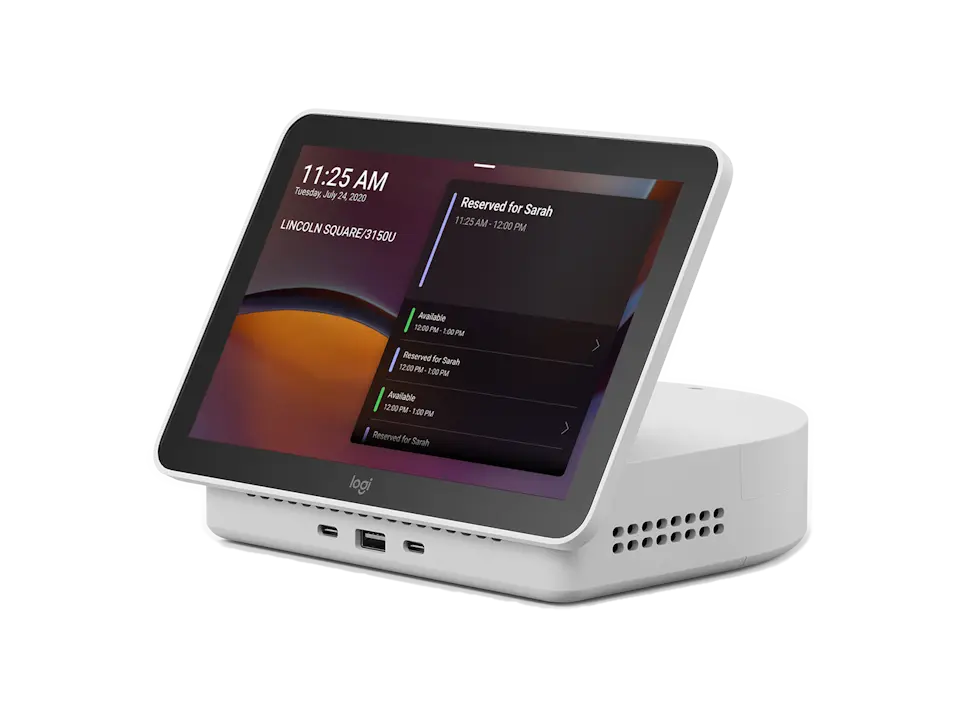 Logi Dock Flex
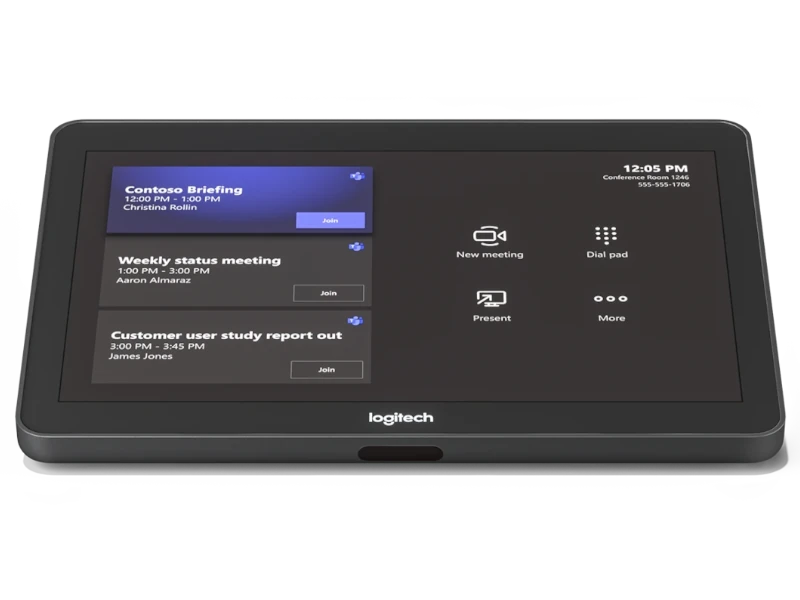 Tap
Tap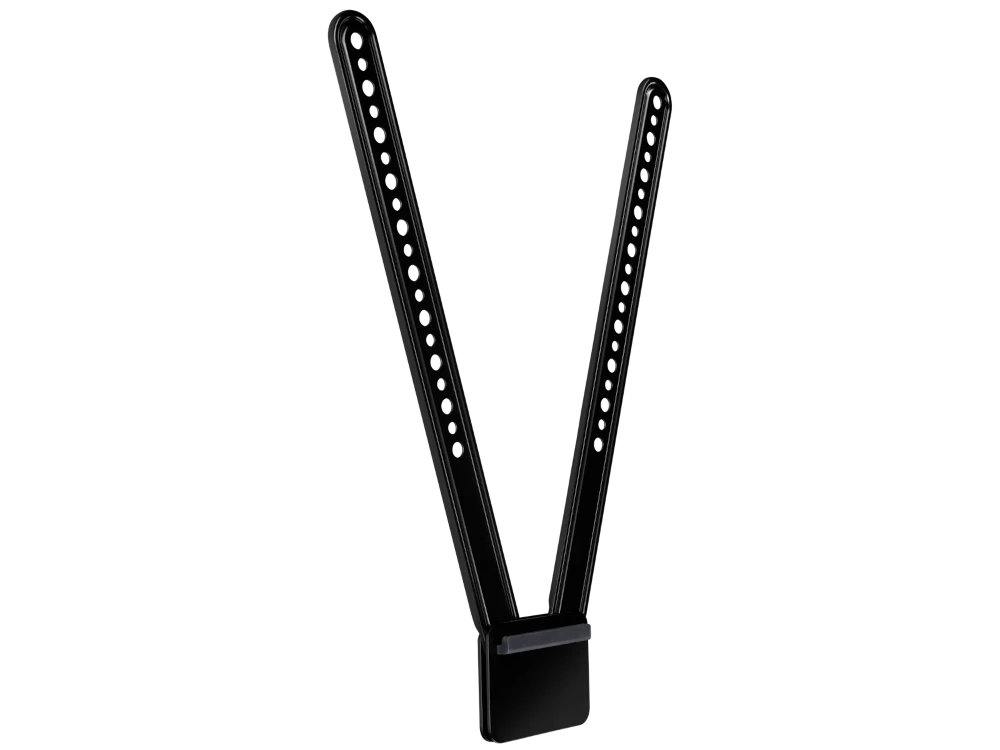 MeetUp TV Mount
 Tap-IP-White