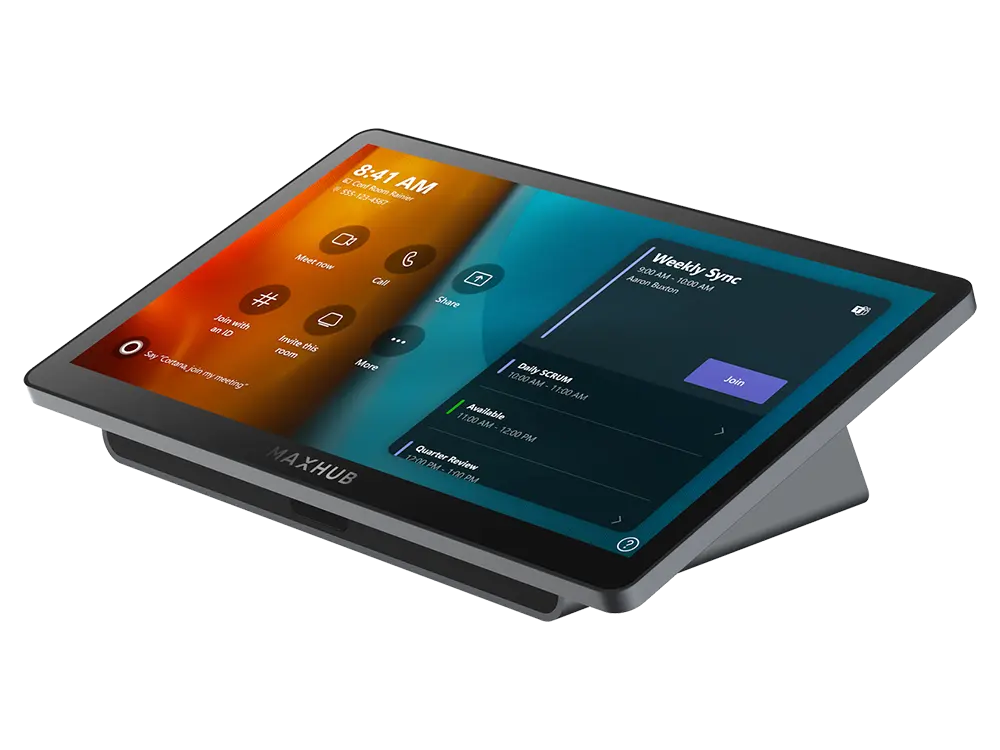
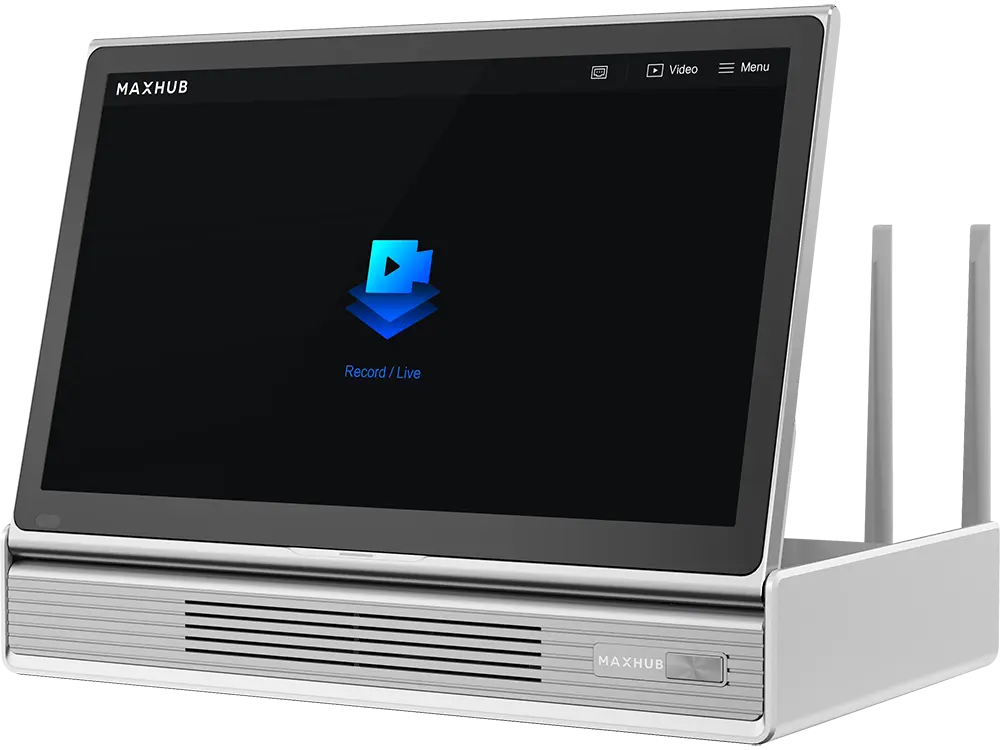
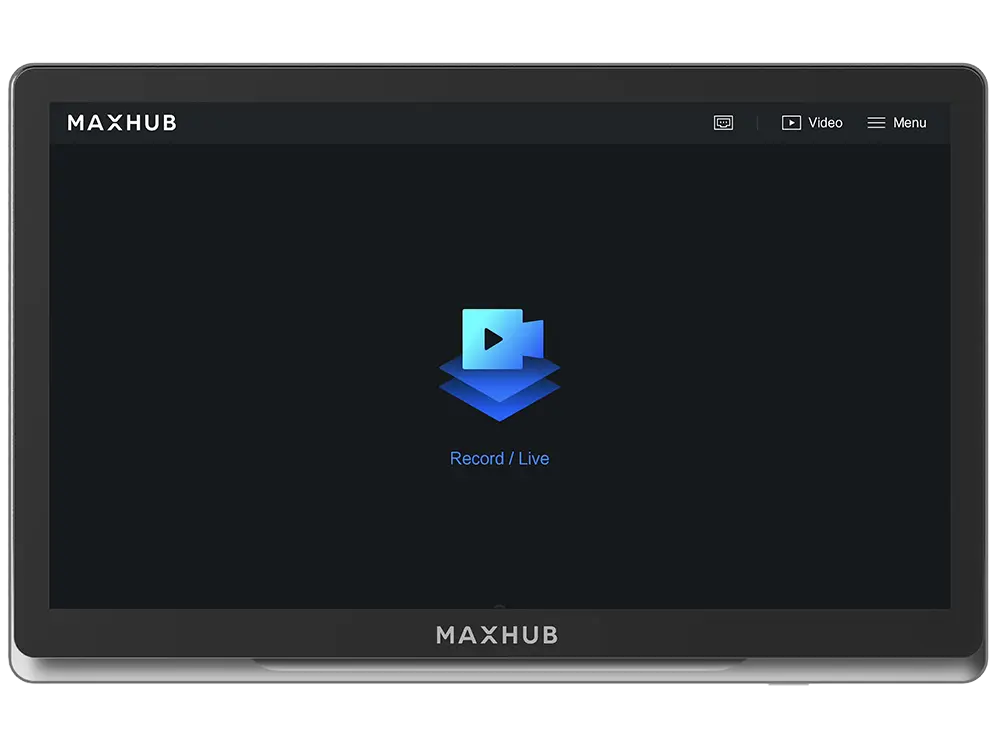
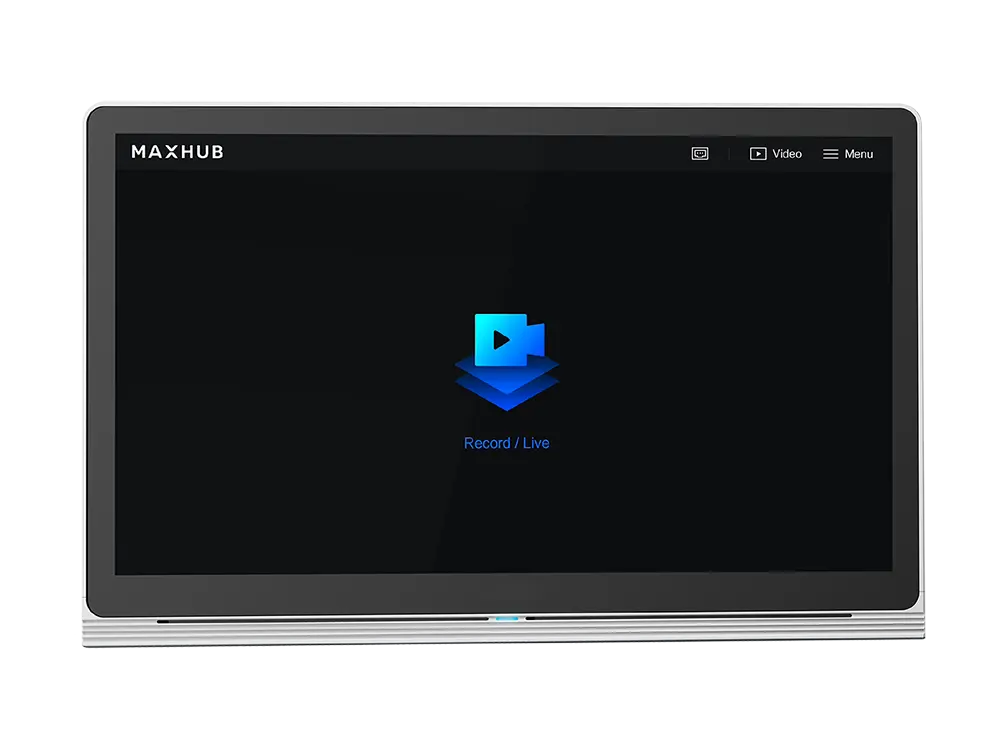
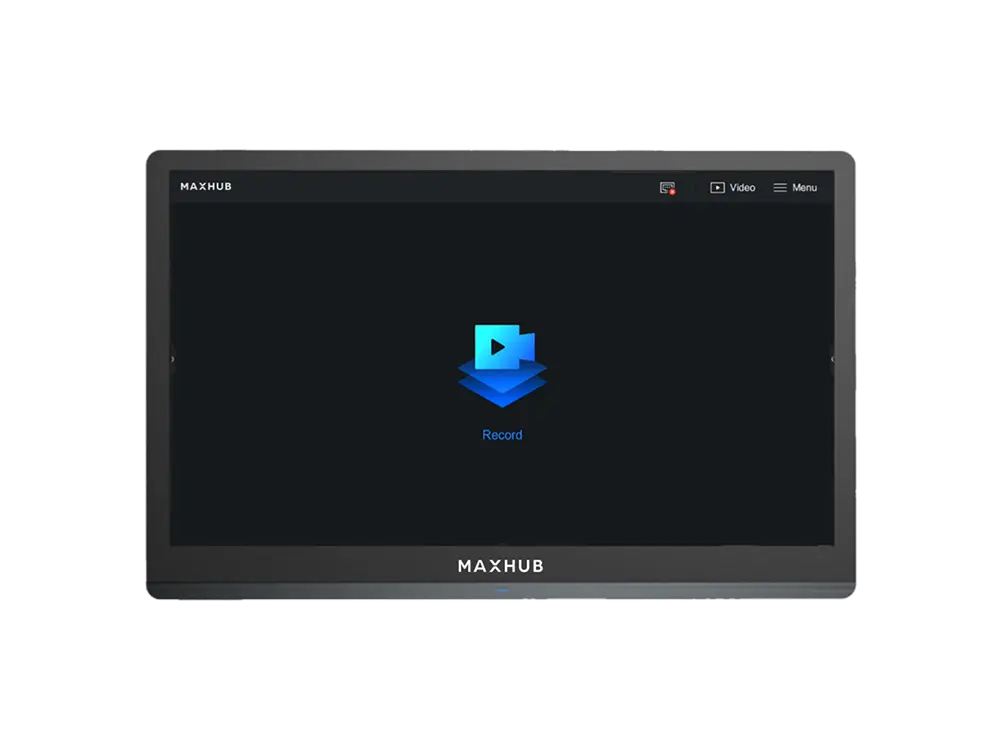
The first Microsoft Teams Rooms certified console designed for Microsoft Surface Hub and MAXHUB XBoard – elevating your in-room meeting control experience to a new standard.
Specify TCP33T correctly for your project
This page is specifically for the MAXHUB Universal Console TCP33T for Teams Rooms, 11.6″ Touch Screen, for Microsoft Surface Hub & MAXHUB XBoard by MAXHUB, with ordering reference TCP33T. Include the complete reference in your RFQ to distinguish it from nearby sizes, colours, connections or editions in the Scheduling & Control Panels range.
Information that helps us prepare an accurate quote
Required quantity of model TCP33T
Project location and expected delivery date
Installation, configuration or integration with an existing system
Required accessories, licences, mounts or cabling
Detailed product information
MAXHUB
Universal Console TCP33T
Specifications:
Manufacturer:
MAXHUB
Model:
TCP33T
Screen:
11.6″ Screen
Resolution:
1920 × 1080
Touch System:
Capactive touch, Anti-fingerprint, Anti-glare
Motion Sensor:
PIR sensor for automatic wake-up
I/O Port:
1× USB-C (Content Sharing)
1× RJ45 (to connect POE adapter or MAXHUB XBoard V7 Teams Room
1× Kensington Slot
Product Dimension (L×W×H):
278 × 164 × 82 mm
As the first Teams Rooms Certified touch console for
Microsoft Surface Hub
and
MAXHUB XBoard
,
TCP33T
allow users join meetings, invite participants , control during meetings and share content without leaving their seats, ensuring smooth, focused, and efficient collaboration. The
MAXHUB Universal Console
is a supporting product of Microsoft Surface Hub to implement multi-touch console solution and enhance your conference control experience. It is equipped with an 11.6-inch touch screen, slim bezel design, anti-fingerprint and anti-glare surface treatment processes, with the function of sharing content on the Surface Hub screen.
MAXHUB
Universal Console TCP33T
Key Features:
One-Cable Technology
Easy and flexible installation with only one cable between the IFP and touch console
Motion Sensor
Automatically sleep/wake your room display on an inactive/active HDMI video signal
Content Sharing
Share your content on IFP with a single USB-C cable
PoE Power
Support standard power supply and data transmission
MAXHUB TCP33T + Surface Hub 3
PAIRED FOR PERFECTION
Supercharge your Surface Hub 3 meetings. The Universal Console TCP33T delivers precise, central control, streamlining your Teams Rooms for focused collaboration.
MAXHUB TCP33T + XBoard for MTR
EVERYTHING YOU NEED
The ultimate Microsoft Teams Rooms solution. Integrate the MAXHUB Universal Console TCP33T with your MAXHUB XBoard for unmatched control and a truly connected meeting experience
Mount It Your Way
UNIVERSAL FIT
Integrates seamlessly into any setup. With versatile dualmounting options, the Console easily secures to a wall for a streamlined, space-saving look or rests conveniently on a table for immediate interaction.
What's In The Box
YOUR COMPLETE KIT
This all-inclusive kit provides the complete foundation for powerful collaboration, ensuring immediate, hassle-free integration. Simply unbox, connect, and elevate your control.
MAXHUB
Universal Console TCP33T
Resources:
MAXHUB TCP33T Brochure:
Download PDF
MAXHUB TCP33T Datasheet:
Download PDF
Model: CP700, Microsoft Teams
Display: 4K, 86″, Touch Screen
Integrated PoE: Yes
Camera: 1/2.5” CMOS, 8.51MP
Specifications
Model code
TCP33T
Model
CP700, Microsoft Teams
Display
4K, 86″, Touch Screen
Integrated PoE
Yes
Camera
1/2.5” CMOS, 8.51MP
Connectivity
Bluetooth 4.2, USB 2.0
Hardware Encoder
Up to 4K/30fps
Interface
USB 2.0
OS
Windows 11
CPU
Intel i5-1135G7
RAM
8GB (2× 4GB) DDR4
Storage
128GB SSD
Speakers
10W, Stereo Speakers
Microphones
Built-in 3-microphone array
Compatibility
MeetingBar A20 Teams, MeetingBar A30 Teams, VC210 Teams Video Collaboration Bar
Power Source
2 AAA Battaries
Video Quality
30fps, 4K
Protocol
UVC 1.0
Voice Pickup Range
360°, 5-foot (1.5 meter)
Battary
1420mAh, Li-Po
Length
20 meters
TCP33T
Searching for TCP33T in Saudi Arabia?
Barq Technology is an authorized supplier in Riyadh. Request a quote for delivery, installation and 2-year warranty coverage.
MAXHUBScheduling & Control PanelsRiyadh
FAQ
How do I order this product?
Submit a quote request using the form above. Our team responds within 24 hours with pricing, availability and delivery details.
Do you provide installation?
Yes. All Barq Technology products include professional installation by our certified technicians across Saudi Arabia.
Is it covered by warranty?
Yes. Every product comes with a minimum 2-year warranty and ongoing local support from our Riyadh team.
Do you deliver outside Riyadh?
We deliver and install nationwide across the Kingdom of Saudi Arabia.