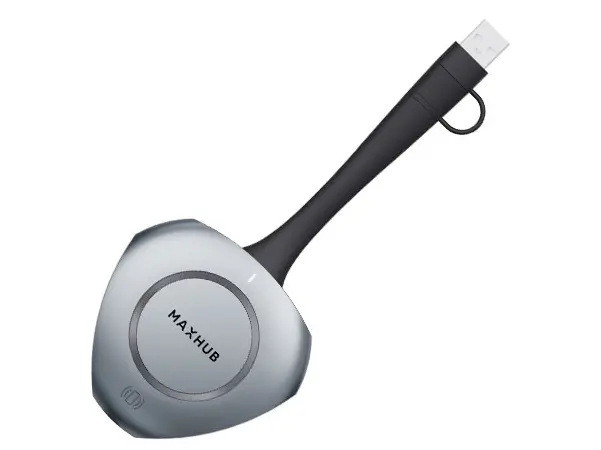
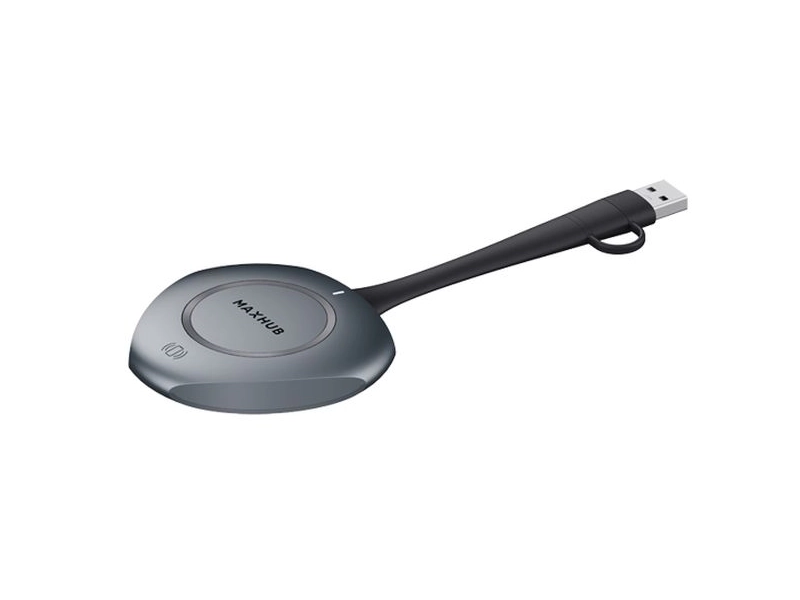
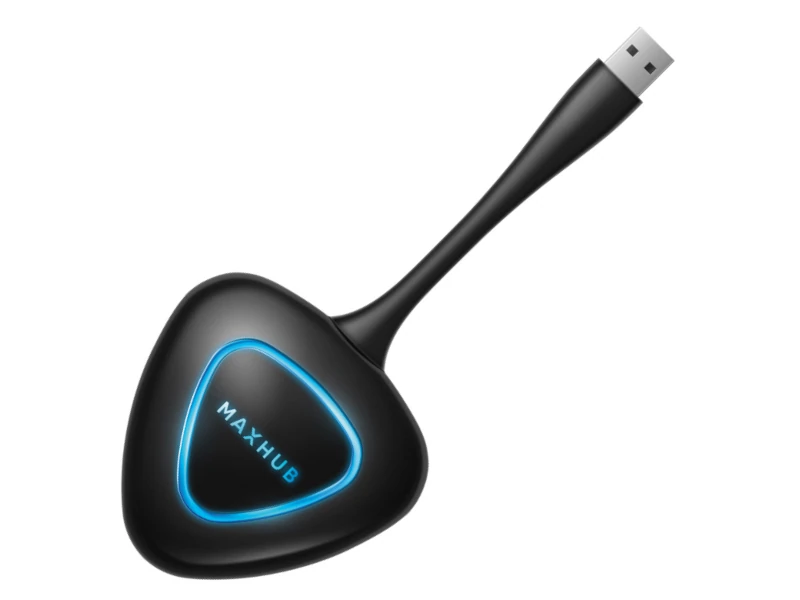
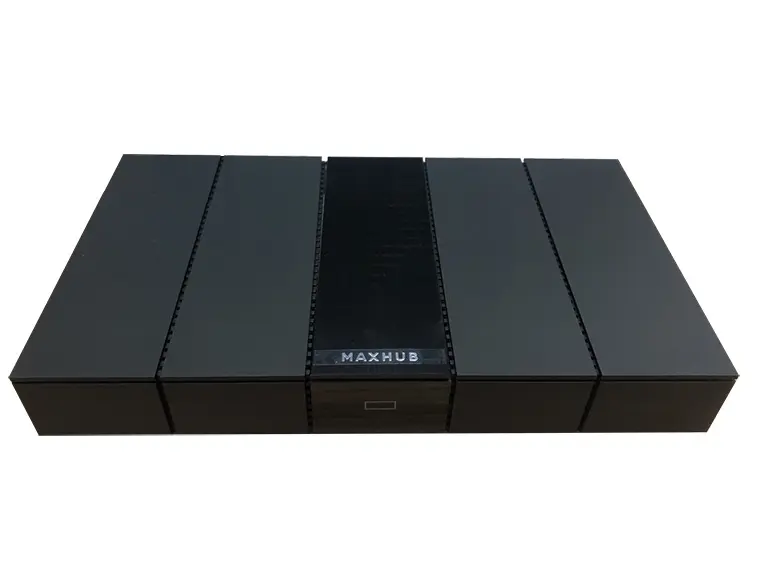
MAXHUB WT13S allowing users to broadcast their audio and 4K video to other devices, with 5-second quick-start feature, enjoy a seamless USB type-C plug & play screen sharing experience.
Specify WT13S correctly for your project
This page is specifically for the MAXHUB WT13S – Wireless Screen Sharing Dongle, UHD Quality, 5s Plug and Share, Wi-Fi 6 Support, USB-C & USB-A by MAXHUB, with ordering reference WT13S. Include the complete reference in your RFQ to distinguish it from nearby sizes, colours, connections or editions in the Accessories range.
Information that helps us prepare an accurate quote
Required quantity of model WT13S
Project location and expected delivery date
Installation, configuration or integration with an existing system
Required accessories, licences, mounts or cabling
Detailed product information
MAXHUB
WT13S
Wireless Screen Sharing Dongle Specifications:
Manufacturer:
MAXHUB
Model:
WT13S
Max. Connection Distance:
12 meter
Max. Startup Time:
≤ 5s
Cold Start Time:
≤ 12s
Max. Disconnect Time:
1s
Transmission Delay:
≤ 120ms
Max. Resolution:
1920×1080@30 Hz / Up to 3840×2160@30 Hz
NFC Connect:
Supported
Touch Back:
Supported
Wi-Fi:
5GHz, 802.11a/n/ac/ax
Interface:
USB Type-C, USB Type-A (adapter)
Dimension L×H×W:
171.3×78.7×19.4 mm
Net Weight:
75g (0.15 lbs)
Power Requirements:
5V@500mA
MAXHUB
WT13S
allowing users to broadcast their audio and 4K video to other devices including MAXHUB UC S15, IFP V6 Series, Commercial display, WB05 etc. With 5-second quick-start features, enjoy a seamless USB type-C plug and play screen sharing experience that doesn’t require drivers or other software. Moreover, NFC connect supporting sharing the content from your phone to the Interactive Flat Panel with just one tap.
MAXHUB
WT13S
4K Wireless Sharing Dongle Features:
UHD video quality
4K Ultra HD screen mirroring further ensures sharper text display, finer image textures and a true-to-life visual experience.
5s plug and share
Forget complicated installations. With 5s Rapid Pair, you simply have to plug in to the terminal and tap to begin mirroring.
Multi-screen sharing
Experience simultaneous connections with up to 8 wireless screen mirroring devices, spanning various projection modes.
Wi-Fi 6 supported
Wi-Fi 6 technology supports higher bit-rates, enabling smoother and clearer playback for video reviews and document presentations.
Share without cables
Experience simultaneous connections with up to 8 wireless screen mirroring devices, spanning various projection modes: mirror, extended display, and application screen mirroring.
Plug and Play
Remote collaboration has never been easier. Just enjoy the streamlined meeting process with your personal computer without software and interface limitations.
NFC Touch and connect
With a built-in NFC tag, no meeting time has to be wasted. Simply tap your mobile device on the designated NFC area to connect to MAXHUB and start Sharing your screen wirelessly.
Wireless touchback
Every presenter will enjoy greater flexibility and control over mirrored content, along with features such as Touch Back control and pen annotation.
MAXHUB
WT13S
4K Wireless Sharing Dongle Resources:
MAXHUB WT13S Datasheet:
View PDF
Model: USB Extender, USB2CAT5E-EXT
Interface: USB 2.0
Connectivity: Bluetooth 4.2, USB 2.0
Pairing Time: 5s Rapid Pair
Specifications
Model code
WT13S
Model
USB Extender, USB2CAT5E-EXT
Interface
USB 2.0
Connectivity
Bluetooth 4.2, USB 2.0
Pairing Time
5s Rapid Pair
Compatibility
MeetingBar A20 Teams, MeetingBar A30 Teams, VC210 Teams Video Collaboration Bar
Power Source
2 AAA Battaries
Camera
1/2.5” CMOS, 8.51MP
Microphones
8 MEMS microphone array
Protocol
UVC 1.0, UVC 1.5
USB Ports
USB 2.0 Type-A
Speakers
5W speaker, Built-in
Video Quality
30fps, 4K
Length
20 meters
Voice Pickup Range
360°, 5-foot (1.5 meter)
Battary
1420mAh, Li-Po
WT13S
Searching for WT13S in Saudi Arabia?
Barq Technology is an authorized supplier in Riyadh. Request a quote for delivery, installation and 2-year warranty coverage.
MAXHUBAccessoriesRiyadh
FAQ
How do I order this product?
Submit a quote request using the form above. Our team responds within 24 hours with pricing, availability and delivery details.
Do you provide installation?
Yes. All Barq Technology products include professional installation by our certified technicians across Saudi Arabia.
Is it covered by warranty?
Yes. Every product comes with a minimum 2-year warranty and ongoing local support from our Riyadh team.
Do you deliver outside Riyadh?
We deliver and install nationwide across the Kingdom of Saudi Arabia.