Samsung
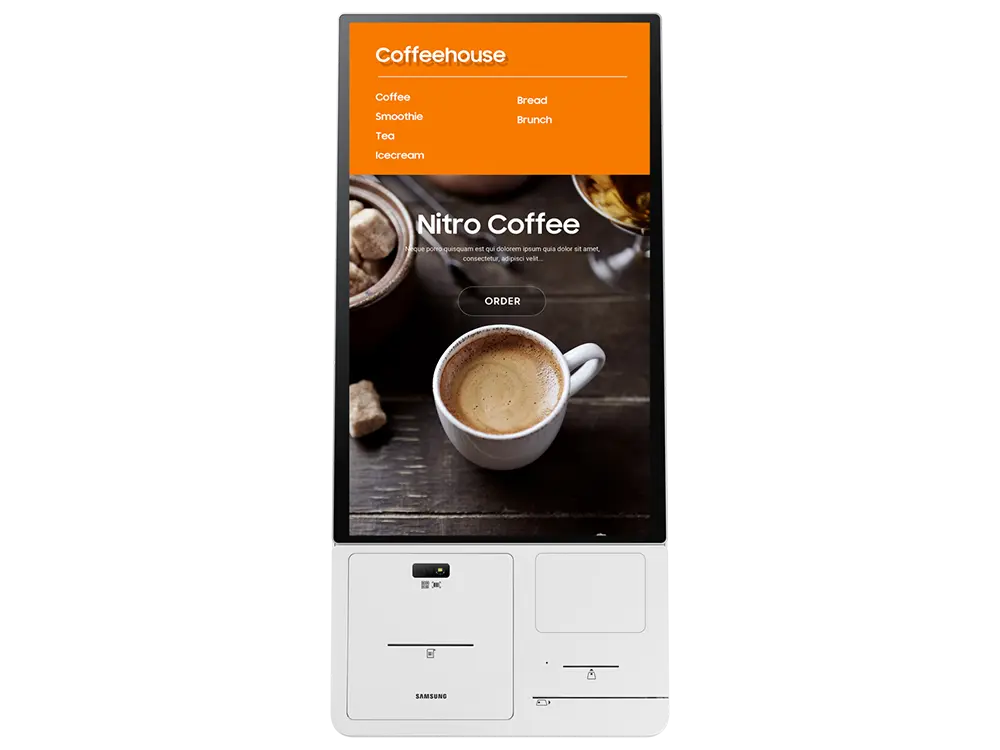
‘s latest technology delivers a new standard of kiosk, a compact & space-saving design. Built based on
Samsung
‘s SoC
(System on Chip)
technology, it is the ideal solution for any business.
Specify CY-KM24A correctly for your project
This page is specifically for the SAMSUNG KM24A – Kiosk Connection Box, 24-inch Connection box for Samsung Self Kiosk, Support any Payment Type by Samsung, with ordering reference CY-KM24A. Include the complete reference in your RFQ to distinguish it from nearby sizes, colours, connections or editions in the Interactive Kiosks range.
Information that helps us prepare an accurate quote
- Required quantity of model CY-KM24A
- Project location and expected delivery date
- Installation, configuration or integration with an existing system
- Required accessories, licences, mounts or cabling
Detailed product information
SAMSUNG
KM24A
Kiosk Connection Box Specifications:
Manufacturer:
SAMSUNG
Model:
KM24A
Part Number:
CY-KM24APXUE
Bi-Direction:
One Connect Port (44pin)
Input & Output:
USB 3ea
External Control:
RS232C x 3, RJ45 x 1 (OUT, connected to EFT Terminal)
Receipt Printer:
Type:
Thermal
Printing Speed:
250 mm/sec
Cutting:
Automatic (Support Full cut, Partial cut)
QR/Barcode Reader:
Supported Dimension:
1D, 2D
Readability:
Mobile screen and printed barcodes
Set Dimension (mm):
334.4(W) x 389.6(H) x 236.5(D)
Weight:
19.1 kg
Samsung
's latest technology delivers a new standard of kiosk, offering a compact, space-saving design, advanced security provided by Knox, and easy management and maintenance for reliable performance. Built based on
Samsung
's SoC(System on Chip) technology, it is the ideal solution for any business. The
Samsung Kiosk
adopts a modular design which provides a variety of payment options including credit card, barcode, QR code and NFC, along with a built-in printer. This means it needs no additional peripherals for an advanced, all-in-one solution that also makes maintenance fast and easy.
Samsung Kiosk
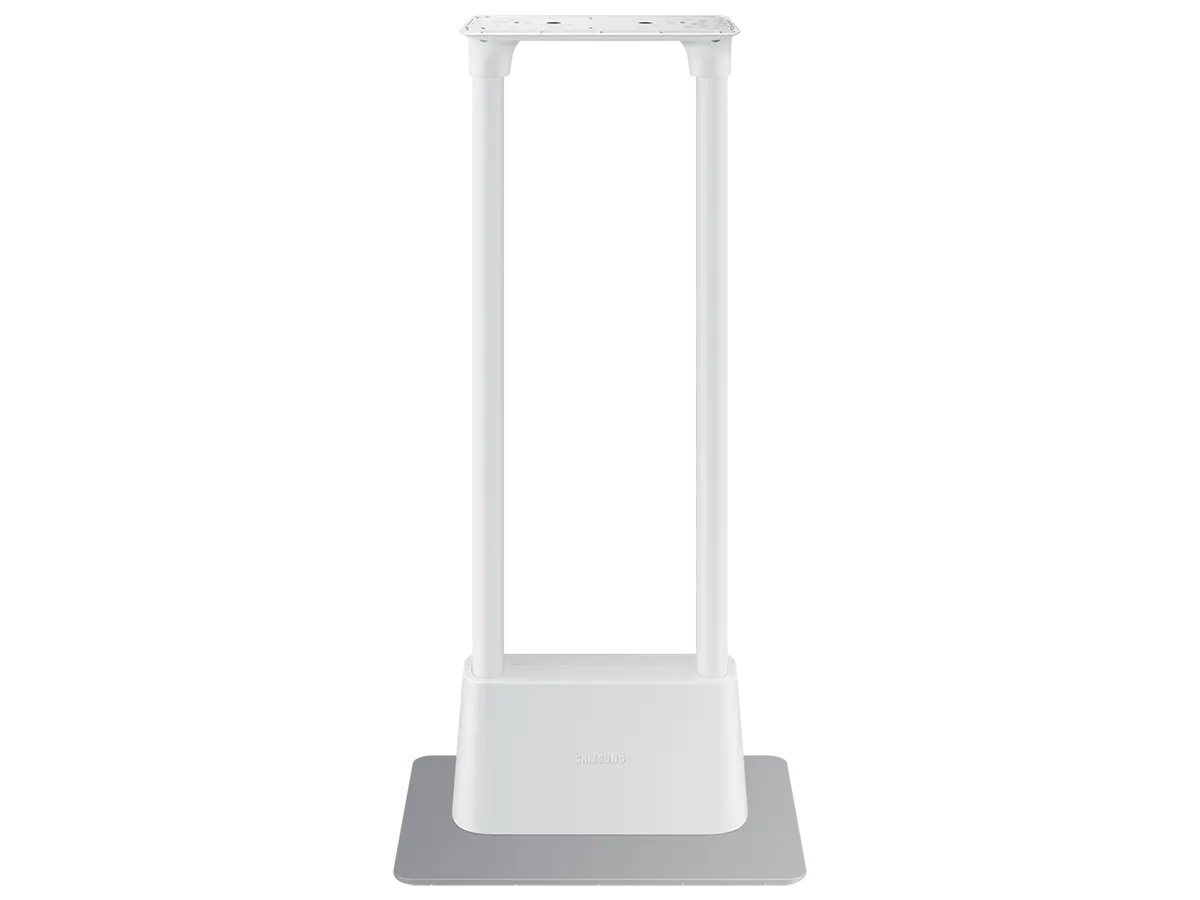
is composed of a single display part and connection box, along with an optional stand. The design enables clean and convenient cable management while the grey-white color and simple stand means the kiosk blends perfectly into any store interior with a stylish look. For enhanced flexibility in any business environment,
Samsung
’s new kiosk offers three installation types – countertop, floor stand and wall-mounting – along with hidden cabling and power strip, with no external PC needed either for optimized space saving.
SAMSUNG
KM24A
Self-ordering Kiosk Key Features:
Compact and Modern Design
Samsung Kiosk is composed of a single display part and connect box, along with an optional stand. The design enables clean and convenient cable management while the cream white color and simple stand means the kiosk blends perfectly into any store interior with a stylish look.
Modular Functionality
The Samsung Kiosk adopts a modular design which provides a variety of payment options including credit card, barcode, QR code and NFC, along with a built-in printer. This means it needs no additional peripherals for an advanced, all-in-one solution that also makes maintenance fast and easy.
No PC Needed
Samsung Kiosk is built based on Samsung’s proven SoC(System on Chip) technology. This enables the kiosk to function without the need for an external PC, further highlighting Samsung’s leadership in the PC-less solution space, while delivering powerful and reliable technology.
Helpful, Hygienic Interactions
The next-generation kiosk blocks microbial growth to help protect against certain bacteria for safer, more hygienic interaction.
So customers can worry less about germs, and keep focus on what’s on the screen.
Powerful, Protective Security
The kiosk uses three-layer security protection powered by Samsung Knox technology which supports application development on the secured platform, the protection of important customer data and effective minimization of security attacks for a powerful, comprehensive security solution.
Monitoring and Management
Samsung Kiosk provides a proven remote monitoring solution, allowing managers to view display information, check peripheral devices and resolve errors. Remote control capabilities also enable the diagnosis of issues and remote control of essential functions such as switching the screen on and off.
SAMSUNG
KM24A
Kiosk Resources:
SAMSUNG Kiosk Brochure:
View PDF
SAMSUNG KIOSK User Manual:
View PDF
SAMSUNG Kiosk Quick Setup Guide:
View PDF