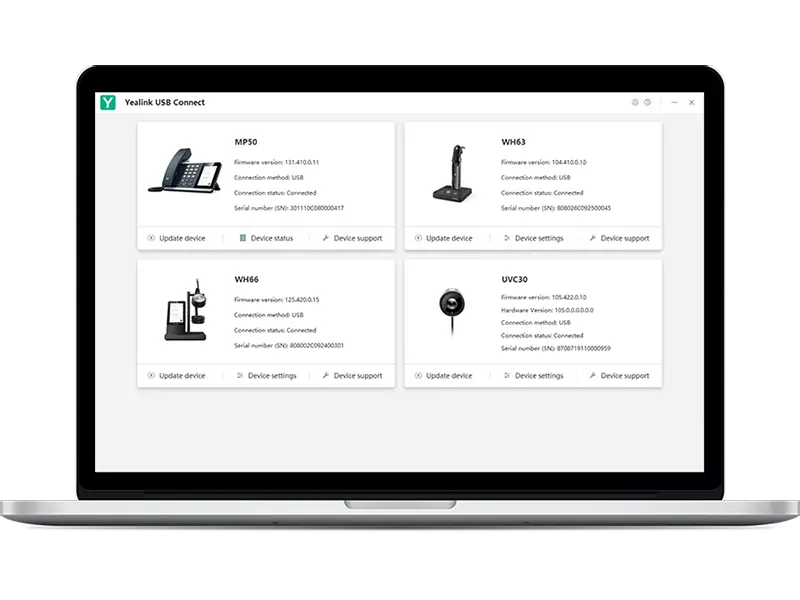
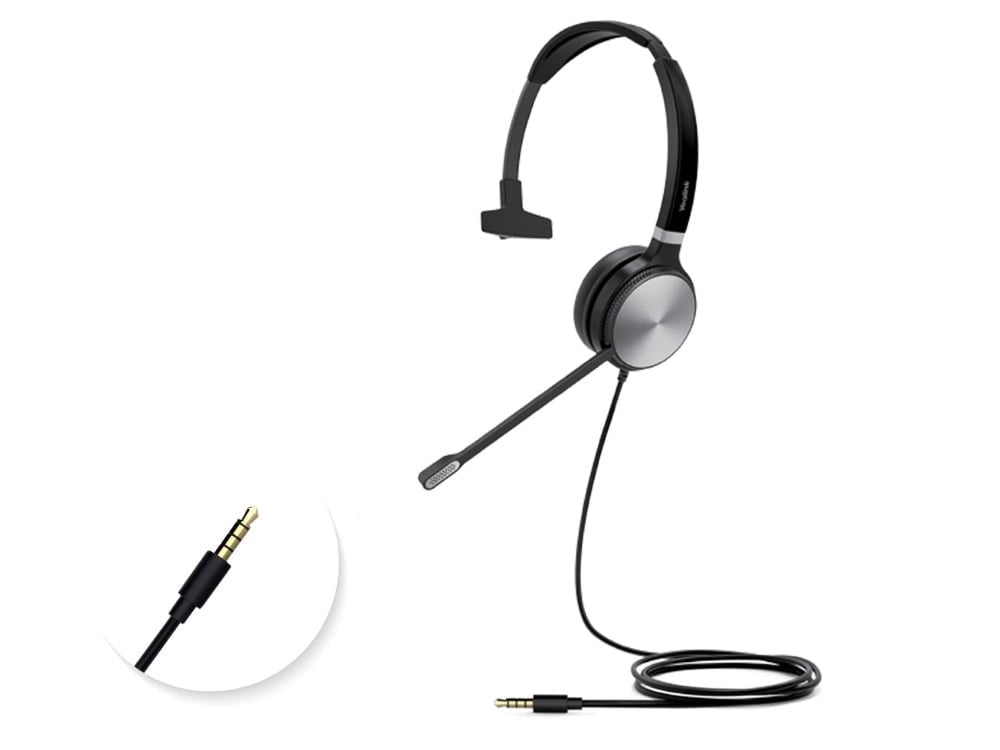
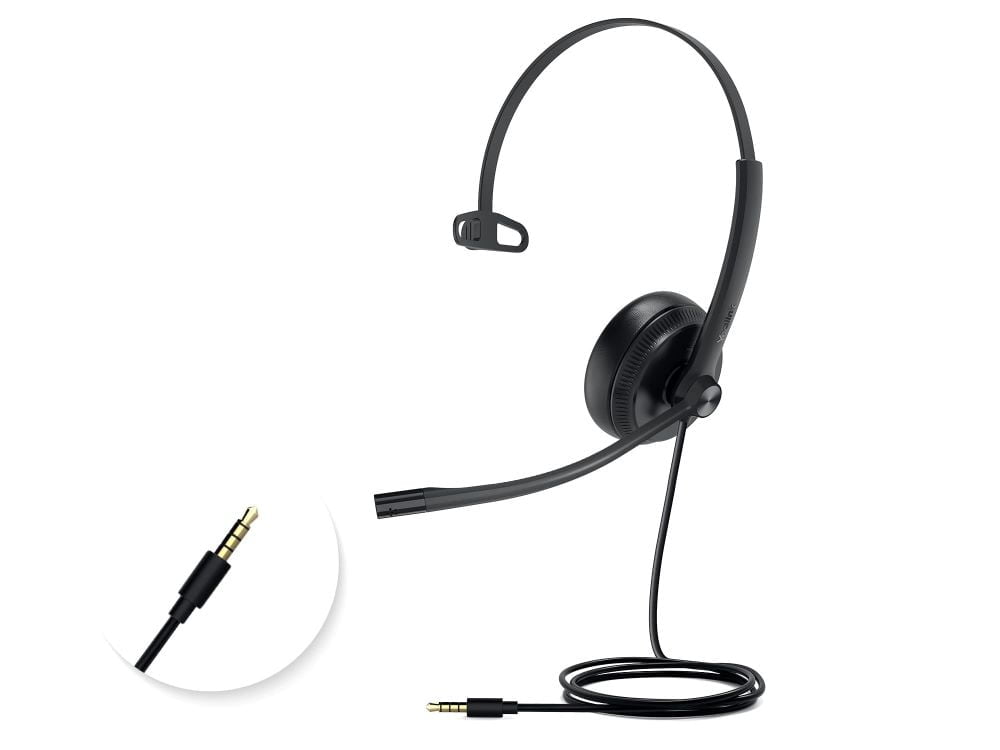
Yealink USB Connect is available for the management of multiple Yealink USB devices, including headsets, speakerphones, and webcams. All the settings can be done through USB Connect.
Download from Yealink Website:
Download for Win
Download for Intel MAC
Specify USB Connect correctly for your project
This page is specifically for the Yealink USB Connect USB Devices Management Software, One for All, Easy to Use by Yealink, with ordering reference USB Connect. Include the complete reference in your RFQ to distinguish it from nearby sizes, colours, connections or editions in the Extras & Add-ons range.
Information that helps us prepare an accurate quote
Required quantity of model USB Connect
Project location and expected delivery date
Installation, configuration or integration with an existing system
Required accessories, licences, mounts or cabling
Detailed product information
Yealink
USB Connect
USB Devices Management Software Key Features:
ONE FOR ALL
The USB Connect is available for the management of multiple Yealink USB devices, including headsets, speakerphones, and webcams. All the settings can be done through Yealink USB Connect, for example, the setting of the basic and premium function of WH66.
EASY TO USE
The USB Connect Application is easy to operate during daily management. One-click to set up and upgrade ensures all hardware up to date and enables you to enjoy the latest features all the time. Also, one-click to reset or restart is available if you need it.
KEEP IT RUNNING
USB Connect App enables to quickly check out any device problem & collect log data, which is convenient for IT maintenance. Moreover, it’s available for the audio device to choose logging level and record certain audio for accurate problem analysis.
Disclaimer:
This software is provided by Yealink and is downloaded directly from the official Yealink website.
All usage, updates, and support are subject to Yealink’s terms.
Yealink
USB Connect
USB Devices Management Software Resources:
Yealink USB Connect Release Notes:
View PDF
Model: ICD OPS i7 D
Product Type: Software
Transmission Distance: ≤ 8 m
Protocol: 2.4 GHz Wireless Transmission
Specifications
Model code
USB Connect
Model
ICD OPS i7 D
Product Type
Software
Transmission Distance
≤ 8 m
Protocol
2.4 GHz Wireless Transmission
Compatibility
65″, 75″, 86″ Flat Panels
Processor
Intel Core i7-10700
RAM/ROM
16GB/512GB
OS
Windows 10
Service
Poly+
Subscription Period
1 Year
USB Connect
Searching for USB Connect in Saudi Arabia?
Barq Technology is an authorized supplier in Riyadh. Request a quote for delivery, installation and 2-year warranty coverage.
YealinkExtras & Add-onsRiyadh
FAQ
How do I order this product?
Submit a quote request using the form above. Our team responds within 24 hours with pricing, availability and delivery details.
Do you provide installation?
Yes. All Barq Technology products include professional installation by our certified technicians across Saudi Arabia.
Is it covered by warranty?
Yes. Every product comes with a minimum 2-year warranty and ongoing local support from our Riyadh team.
Do you deliver outside Riyadh?
We deliver and install nationwide across the Kingdom of Saudi Arabia.